Bulk Business Link Creation & URL Shortener
Create multiple short links in one go using bulk upload. Ideal for campaigns, large datasets, and automation workflows where speed and scale matter.
Upload / Input URLs
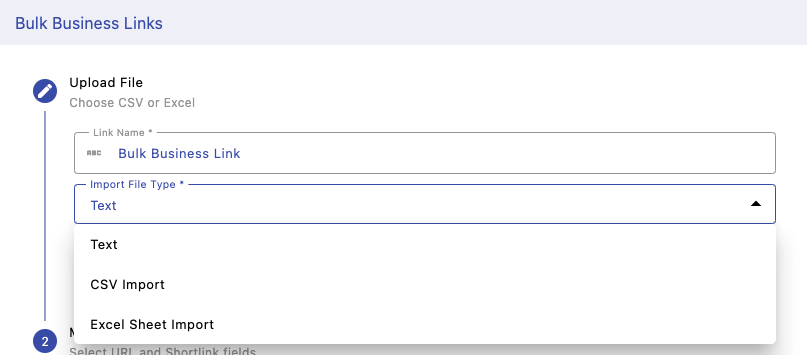
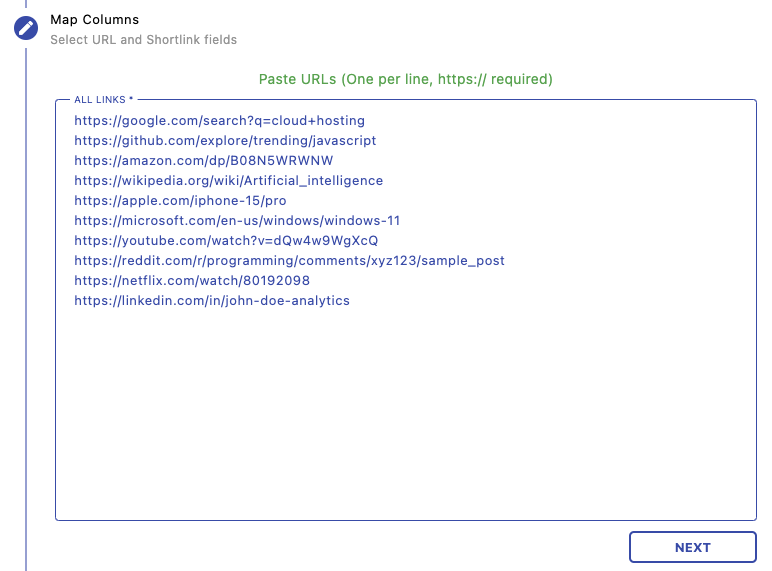
Choose how you want to provide links — paste URLs directly, upload a CSV file, or import from Excel. Each URL should be on a new line and must include https:// . This allows you to quickly prepare large batches of links without manual entry.
Add & Validate Links
Paste all your URLs or upload your file. The system automatically reads and validates each entry. Invalid or unsupported links may be skipped, ensuring only valid links are processed.
Link Settings
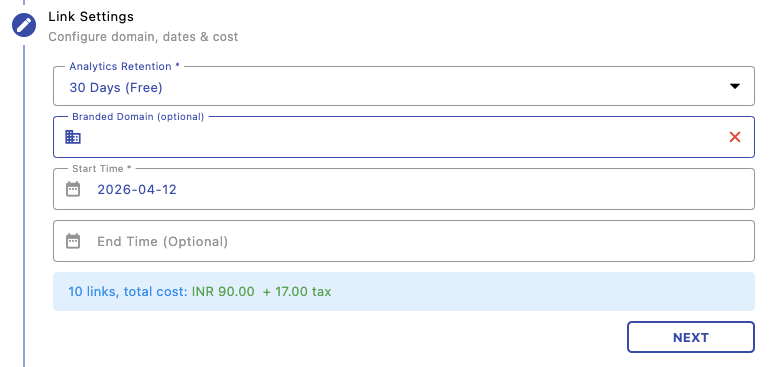
Configure common settings for all links including analytics retention, branded domain, and optional start/end dates. Costs are calculated automatically based on the number of links created, helping you manage budget before checkout.
Channels Tracking
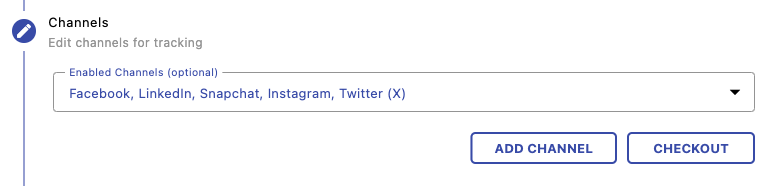
Enable tracking channels to monitor where clicks are coming from. You can select predefined platforms like Facebook, LinkedIn, or Instagram, or add custom channels for deeper campaign insights.
Generate & Download
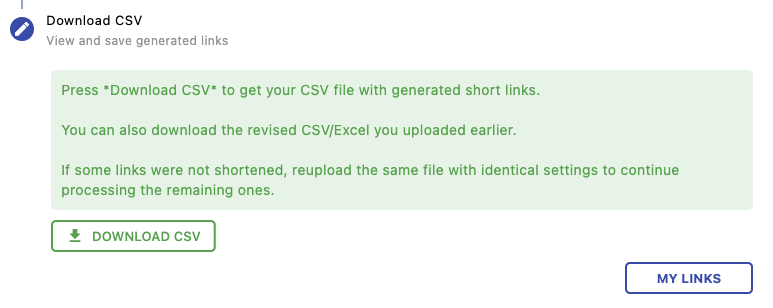
After processing, download your generated short links as a CSV file. If some links fail, you can re-upload only the remaining ones with the same settings to continue processing seamlessly.
Next Steps
Continue managing and optimizing your links: